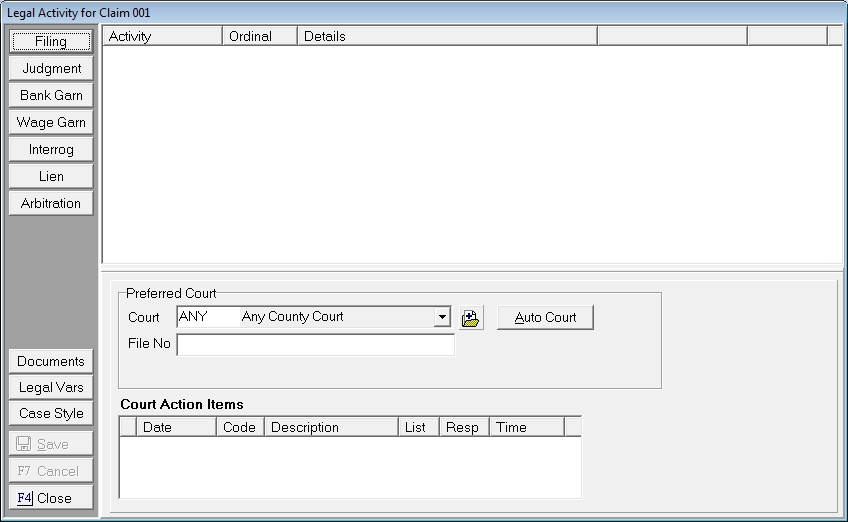
CollectMax allows for multiple filings per claim, one primary and multiple secondary. The first filing on a claim will be the primary set as primary by default.
Note: Only the Primary Filing participates in the upload process for Interface Accounts.
If a subsequently posted filing should be the primary filing, CollectMax will allow you to reset the primary.
From the Litigation Screen of the claim,
click the  button to display the filing screen.
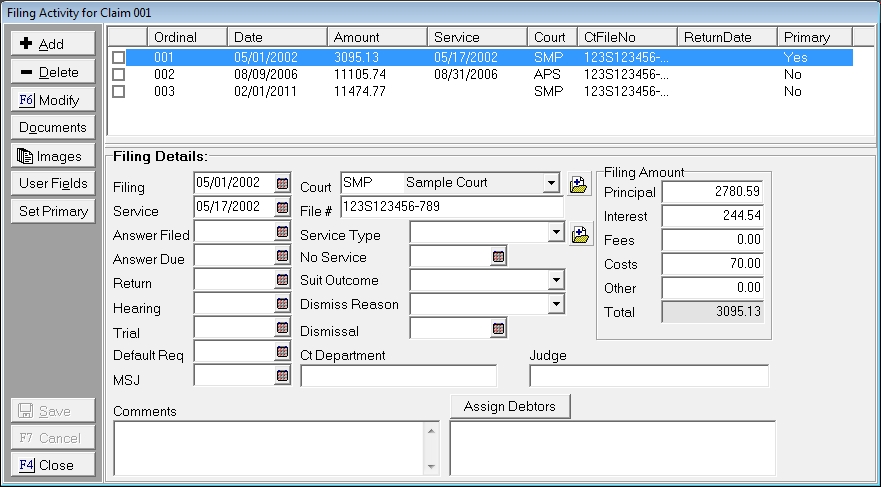
Click the  button to display the Change Primary Screen.

A list of Filings attached to this claim will be displayed with the current primary indicated. Check the  next the filing that should be Primary and click the
  button to set it as the Primary Filing.
Note: Once the primary filing has been uploaded, changing the primary to a different filing will not upload a new filing. If you need the new primary filing to be uploaded, contact the JST Technical Support Staff.